
iOS · Android · Web · App Store · active this week

Greenfolio
A home for your plant collection.
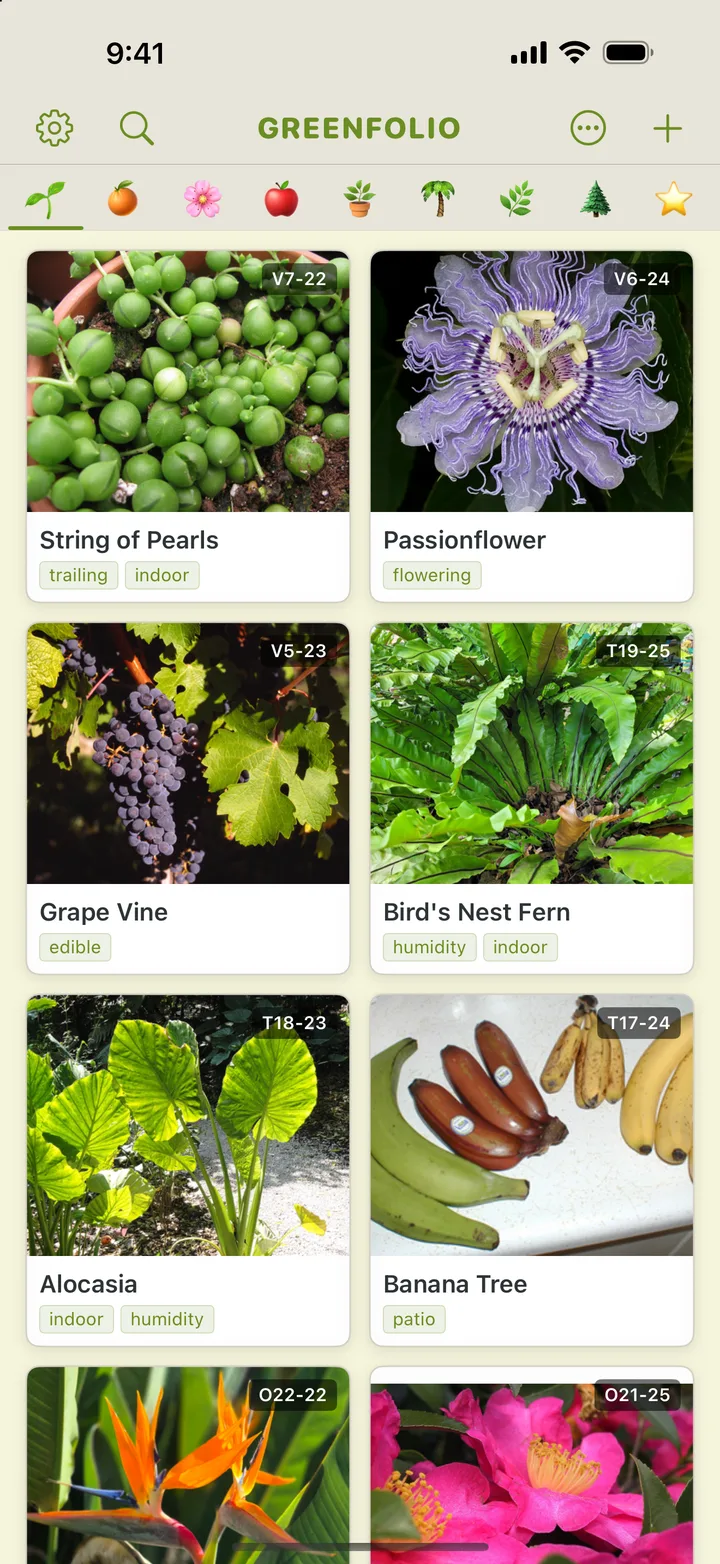
Greenfolio is a plant collection manager: every plant you own, its care schedule, and how it's doing — in one place. It pairs a hand-built care engine with an intelligence layer that runs entirely on the device, a community feed for sharing collections, home-screen widgets, and insights that surface which plants need attention before they wilt.
Features
What it does
Care engine
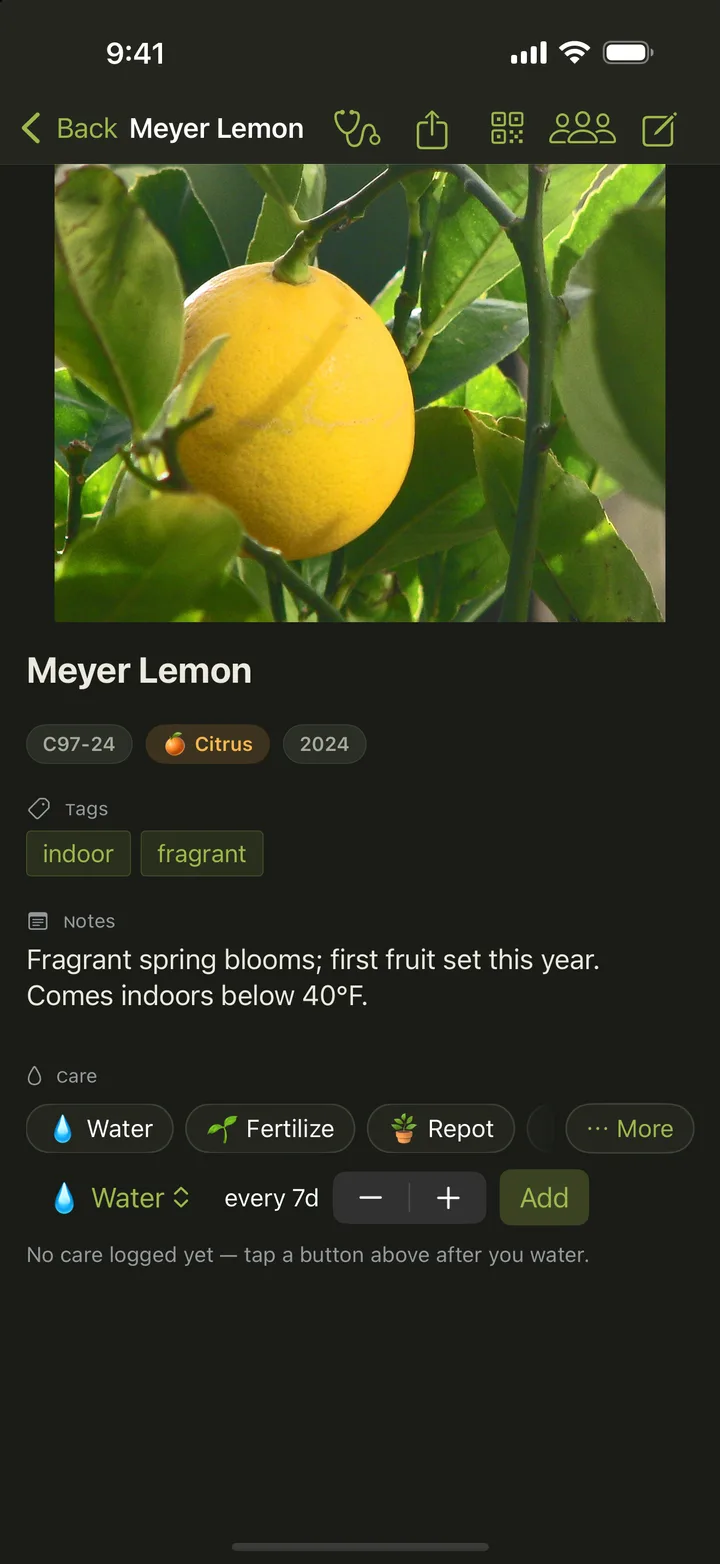
Watering, feeding, and repotting schedules per plant, with grouped views by room or type.
AI care chat
Ask about a plant that's struggling and get advice grounded in that plant's own record — its type, how long you've had it, your notes, and its latest health check.
Ask in plain language
Search the collection the way you'd say it out loud — "ferns that need water" — instead of tapping through filter menus.
Community
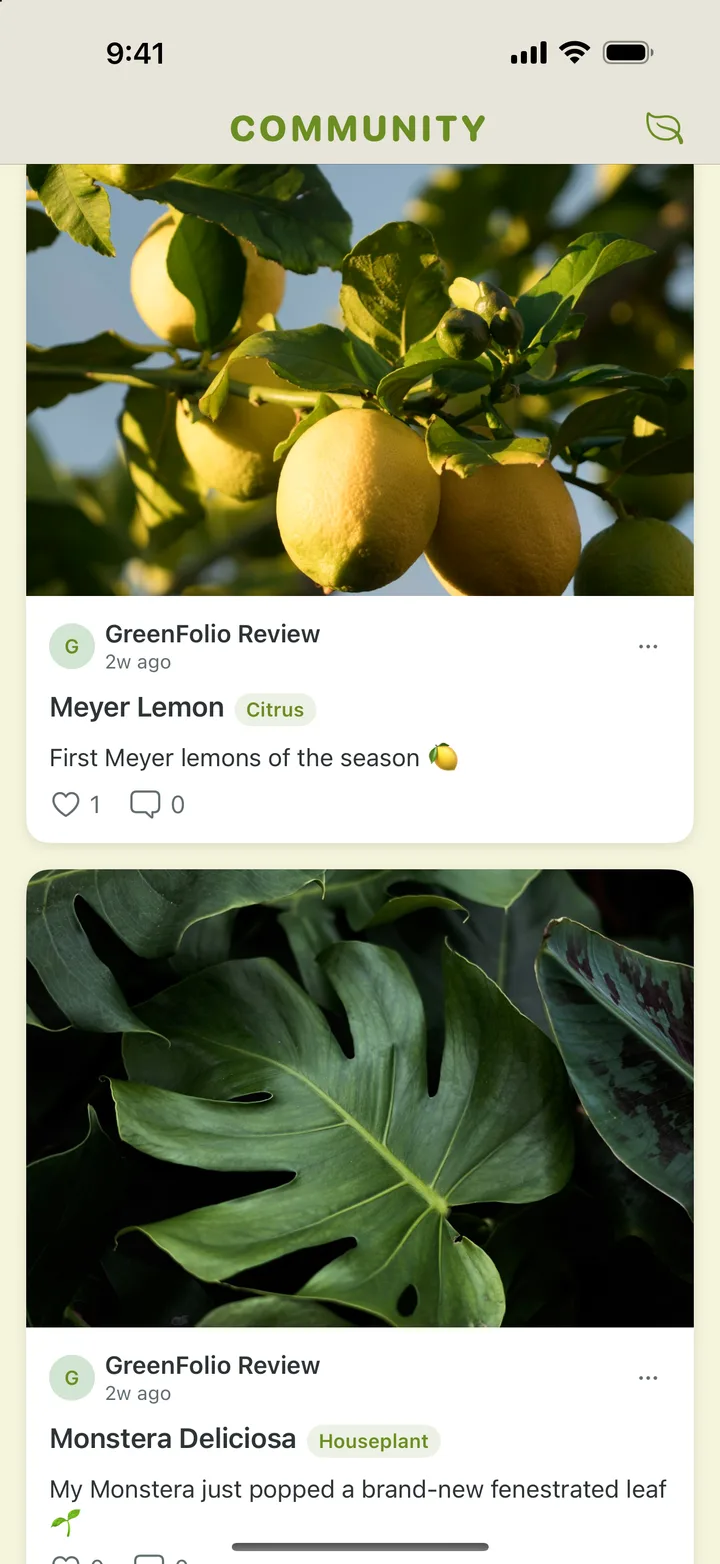
A feed for sharing collections and progress shots with other plant people.
Insights
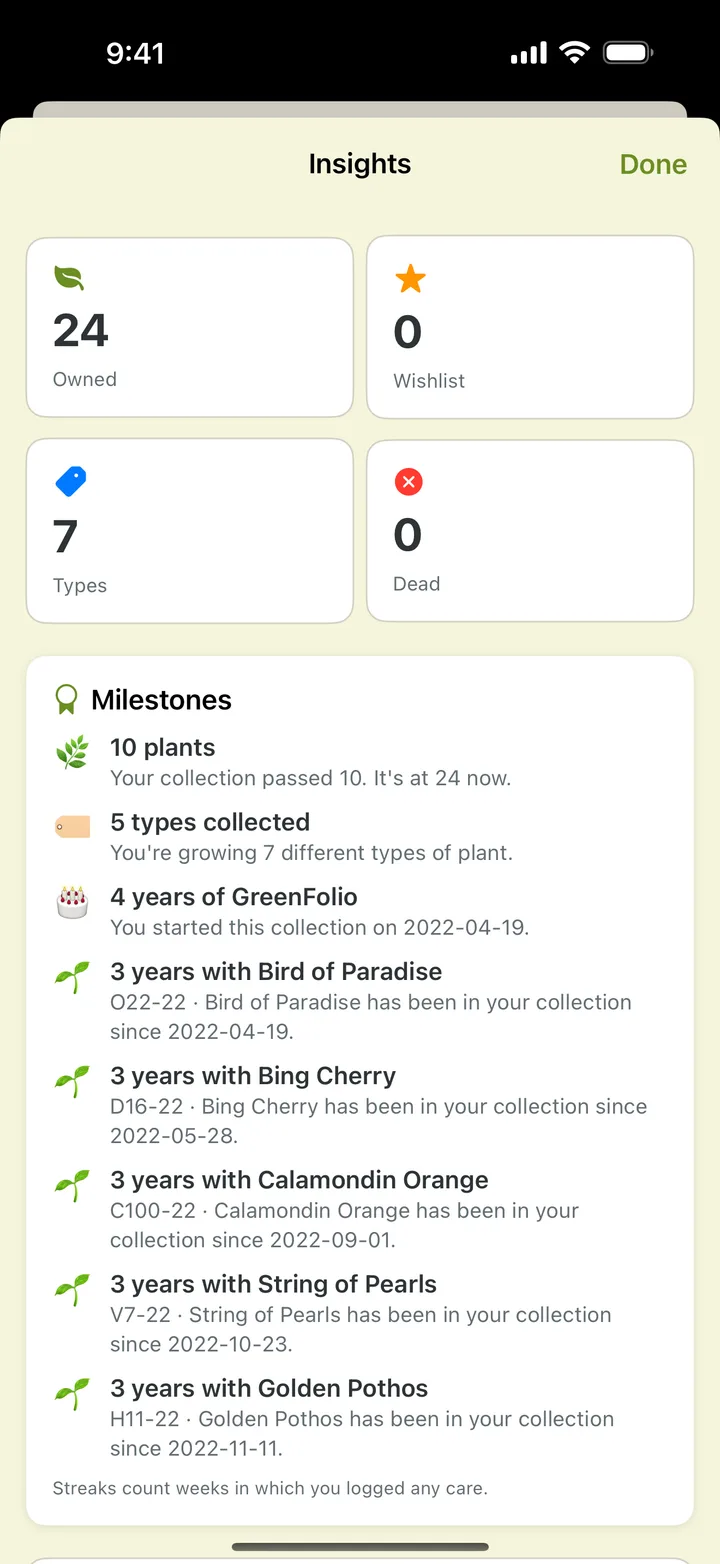
Collection-level trends: what's thriving, what's overdue, what needs repotting.
Widgets
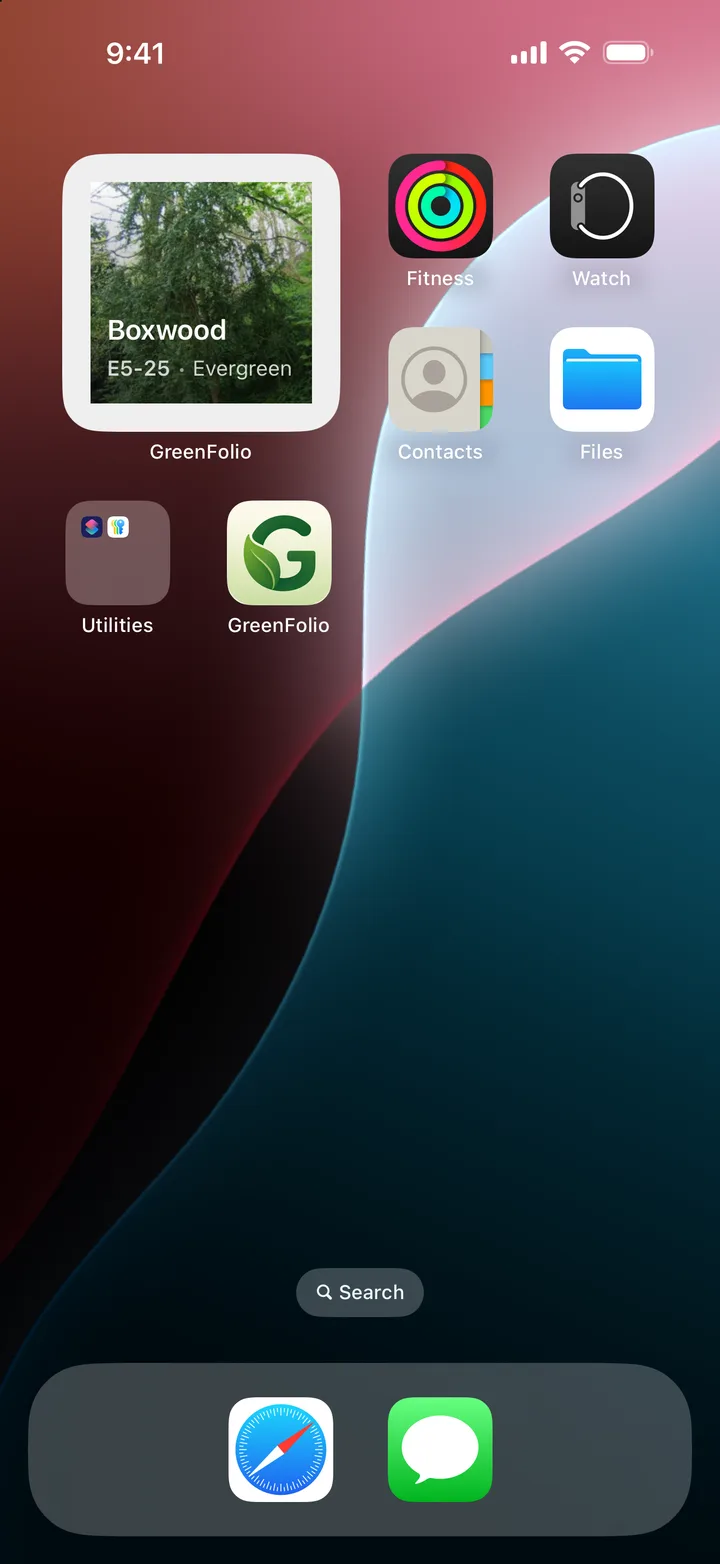
Home-screen widgets that surface today's care tasks without opening the app.
Architecture
How it's built
Intelligence
How the on-device AI actually works
Greenfolio's intelligence layer is about 1,450 lines of Swift across sixteen files. The language model ships with the operating system — Apple's FoundationModels framework — with Vision for image classification and NaturalLanguage for text underneath it. Nothing goes to a model server, which means there is no inference bill and no prompt leaving the phone.
Two tiers, never a dead end
Not every device has Apple Intelligence. A capability check splits the app into two tiers — with the on-device language model, and without it — and every feature has a defined path for both. Photo identification falls back to Vision's own top label; health analysis falls back to a keyword rule engine; search falls back to matching text. Features that can't run are hidden, never shown and disabled.
Grounded on purpose
The care chat is scoped to one plant: its name, type, the year it was acquired, its tags and notes, and its most recent health check. That is the entire context. It is not a search across the collection, and the prompts tell the model to say it doesn't know rather than invent a species.
Structured output, tolerantly parsed
Anything that needs data back rather than prose asks for strict JSON and decodes it through one shared parser that strips code fences and forgives the usual formatting drift. A failed parse returns nothing and the caller degrades — a decoding error never reaches the interface.
Natural language in, a typed filter out
Search turns a sentence into a typed filter object, restricted to values that actually exist in that user's collection — so it cannot invent a room or a tag that isn't there. If the model returns nothing usable, the search quietly becomes a substring match and the user sees results either way.
The model proposes, the person decides
CSV import uses the model to map unfamiliar column headers onto fields, with a confidence attached to each guess, and then shows the mapping for confirmation before anything is written. The collection summary narrates numbers the app already computed; it is never asked to do arithmetic of its own.
Off the main actor
The intelligence store is a main-actor observable object, while the services themselves are Sendable structs that run off it — so a slow generation never blocks the interface. Responses arrive complete rather than token by token, behind a thinking indicator.
Tested where testing means something
The tests cover the deterministic half: how prompts are constructed, how responses are parsed, and how a parsed result maps onto the app's own types. The model's output itself isn't asserted on — that would be asserting on the weather.
One deliberate exception: species identification can call a third-party plant-identification service through a server-side function, which is why that key lives on the server and not in the app. Everything described above runs locally.